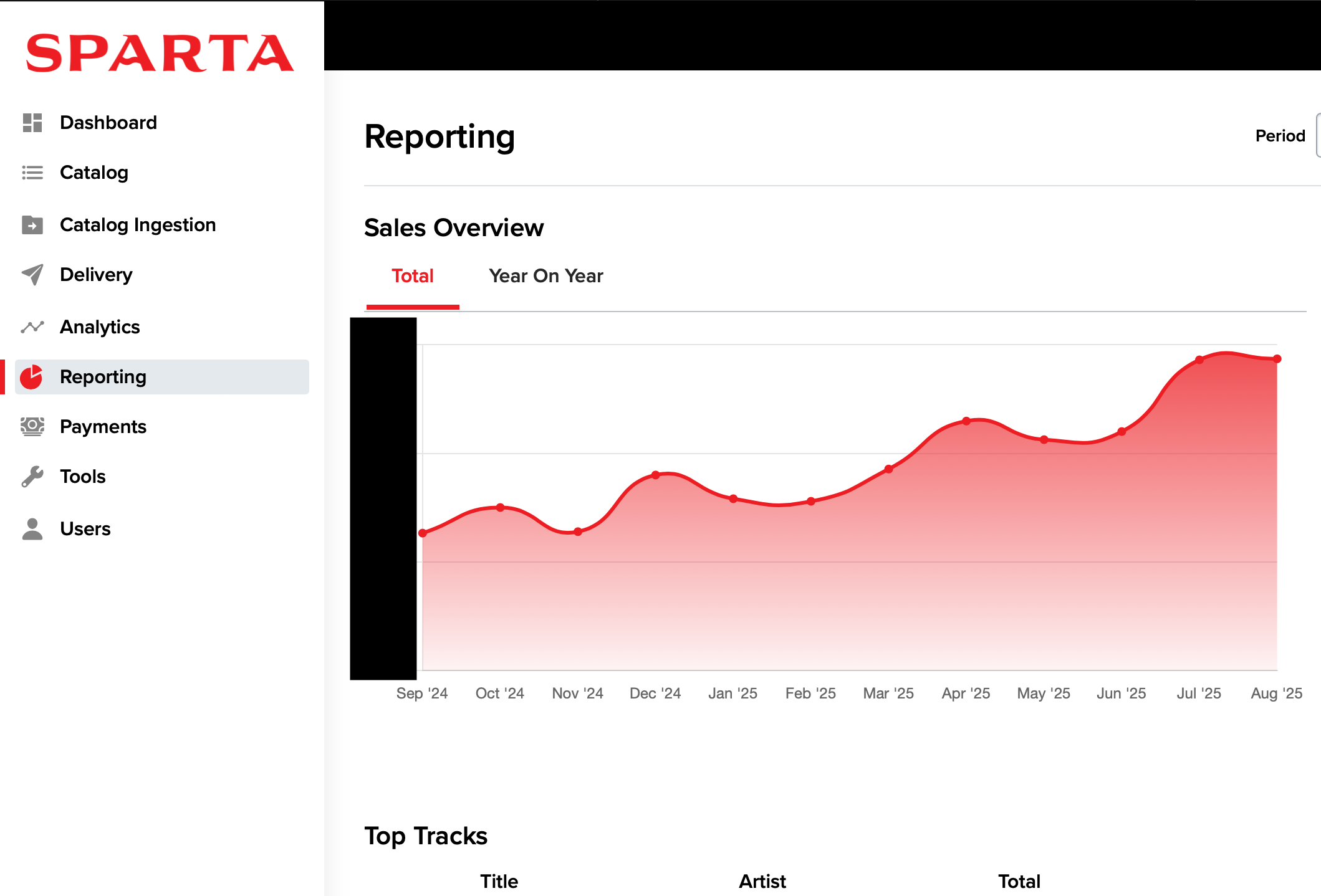
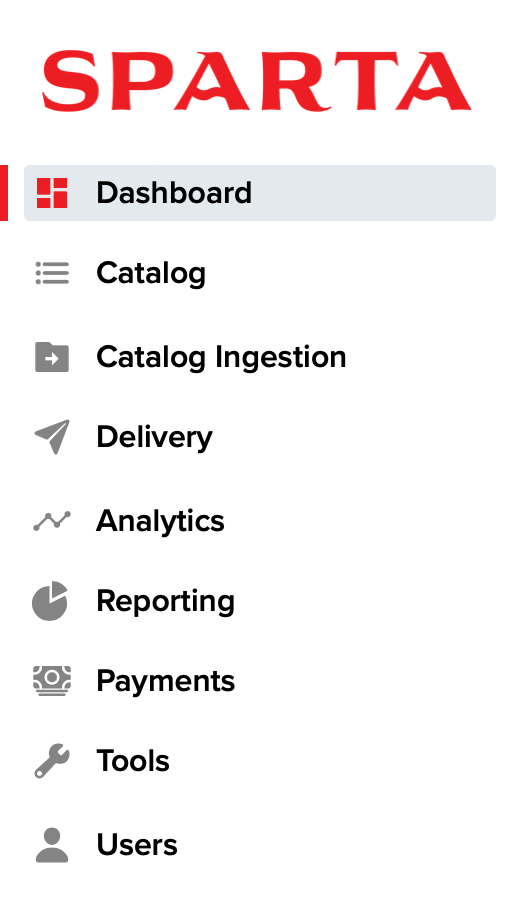
There are three main sections on the Sparta Dashboard - Catalog, Analytics and Reporting. All three sections can be accessed through the left navigation menu.
Catalog
The Releases section allows you to manage your catalog's content and metadata in the Sparta Dashboard. Below are some of the core functions available. Click on each item to find out more.
- Add Product
- Request Distribution
- Request Updates and Takedowns
- Search Your Catalog
- Access Smartlinks for Your Releases
Analytics
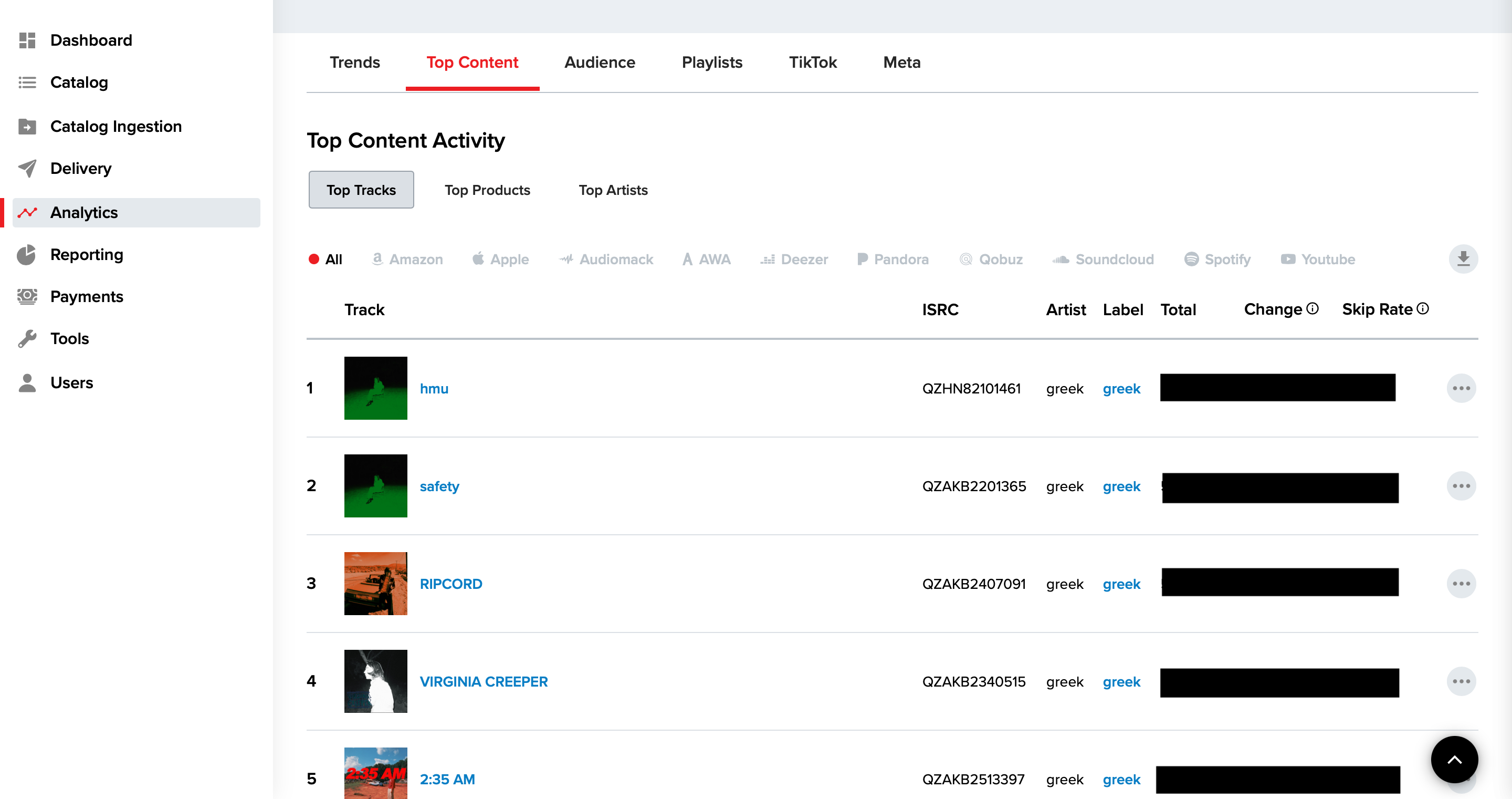
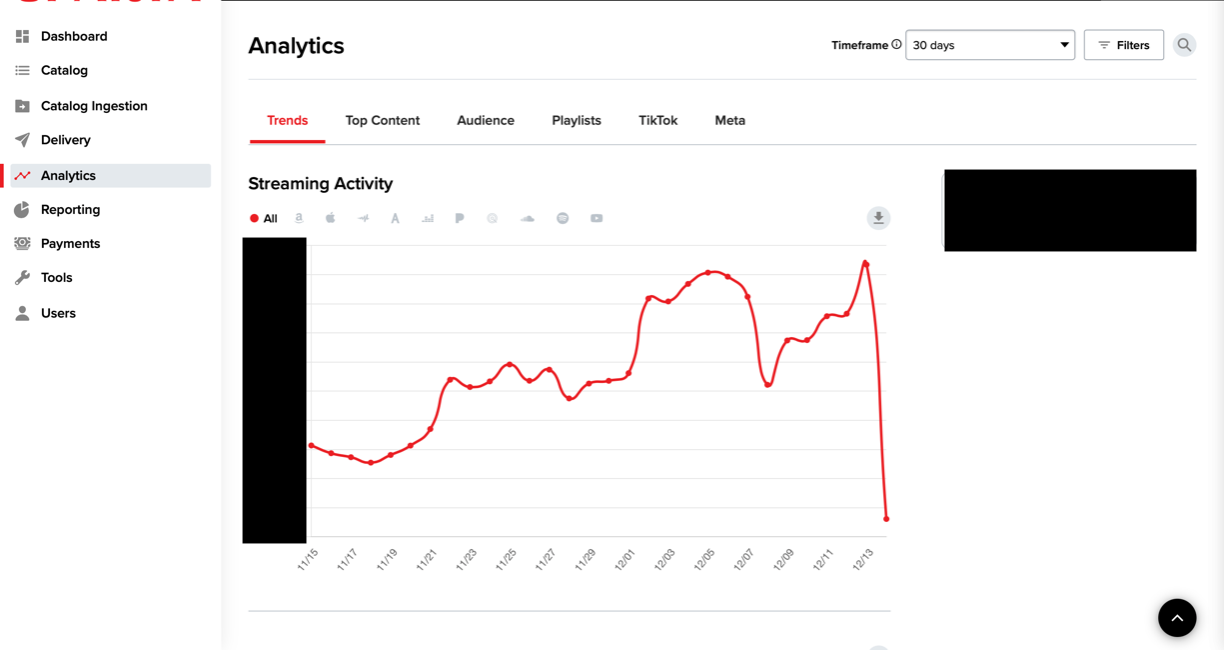
Sparta Distribution's powerful Analytics feature allows you to access important data concerning your artists' daily consumption trends and playlist activity. You can get an in-depth look at daily streams and demographics by DSP, as well as listener reach and current playlist placements across multiple DSPs.
To access this information, select Analytics from the left menu, and select an artist for whom you wish to view the data. Additionally, you can search for Artists, Tracks, or Releases in the search bar at the top right.
Use the Timeframe dropdown to select the period for which you want to view your analytics (i.e a 7 days, 30 days, 90 days, etc.)
Reporting
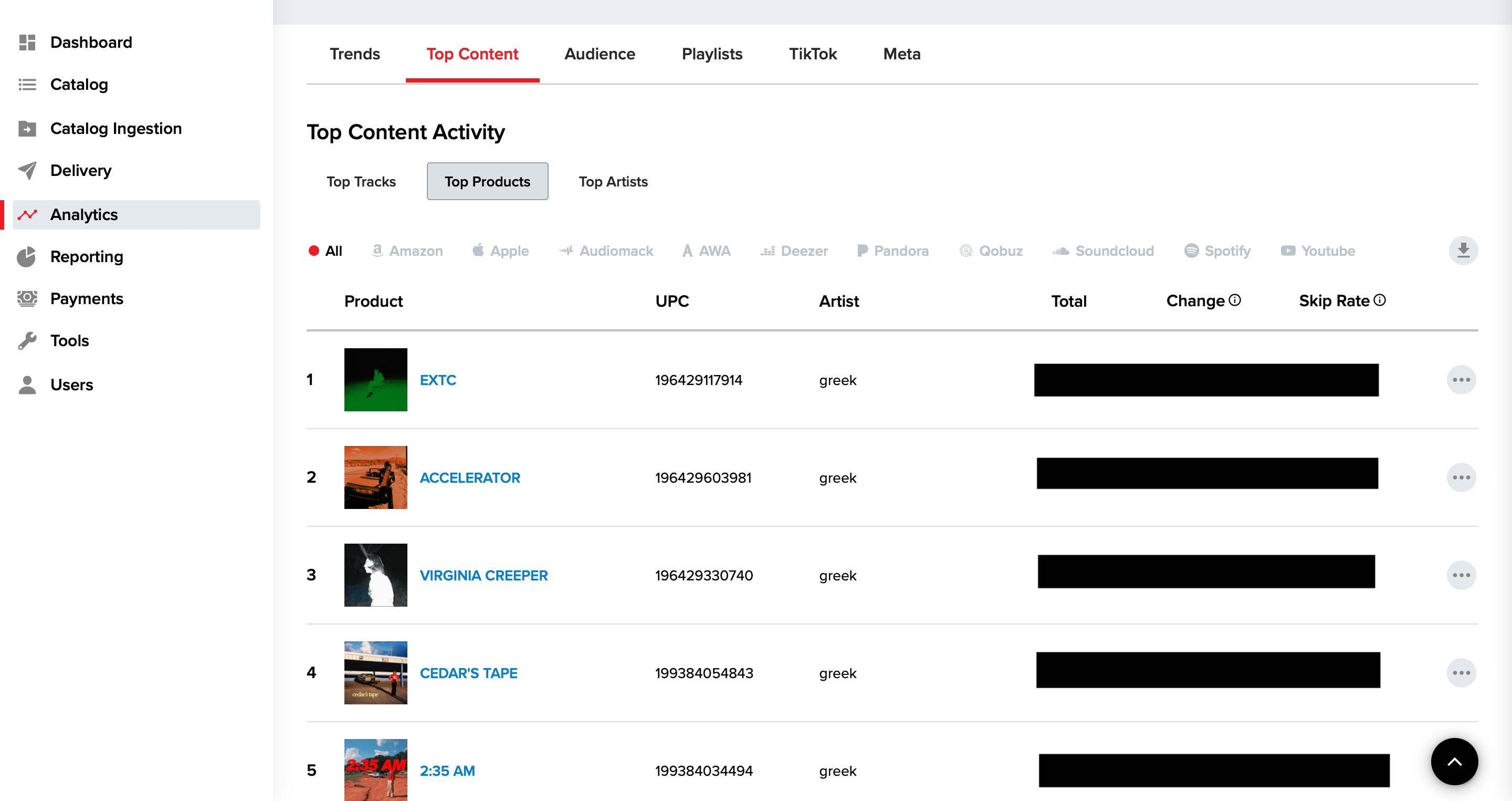
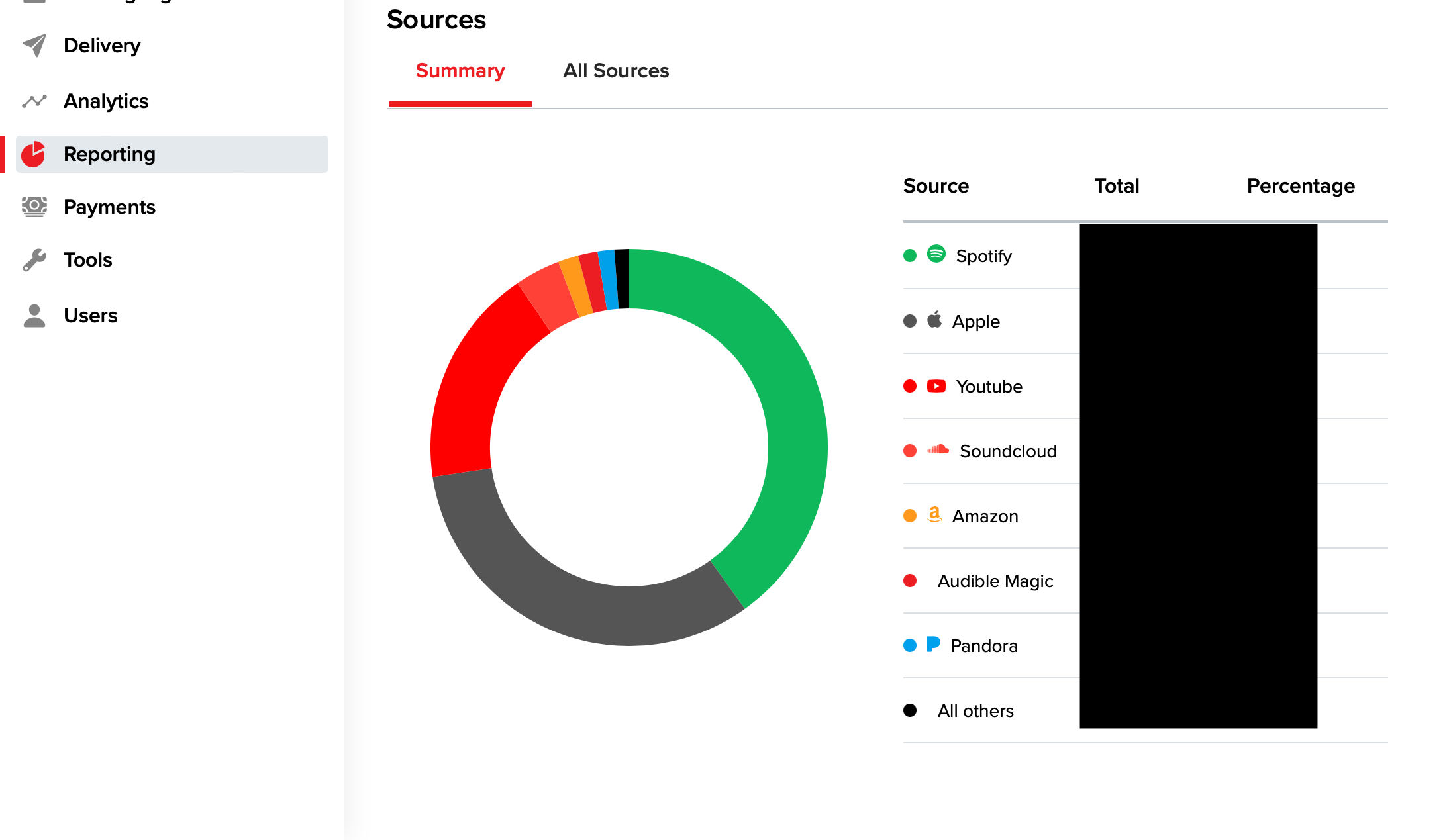
Sparta Distribution's Reporting feature provides sales reports of your catalog's earnings and performance on DSPs. You can use this feature to get a transparent view of the following info (as well as download as a CSV):
- Monthly, Year-To-Date, and All Time Sales
- Top Performing Releases and Tracks
- Sources of Earning by DSPs
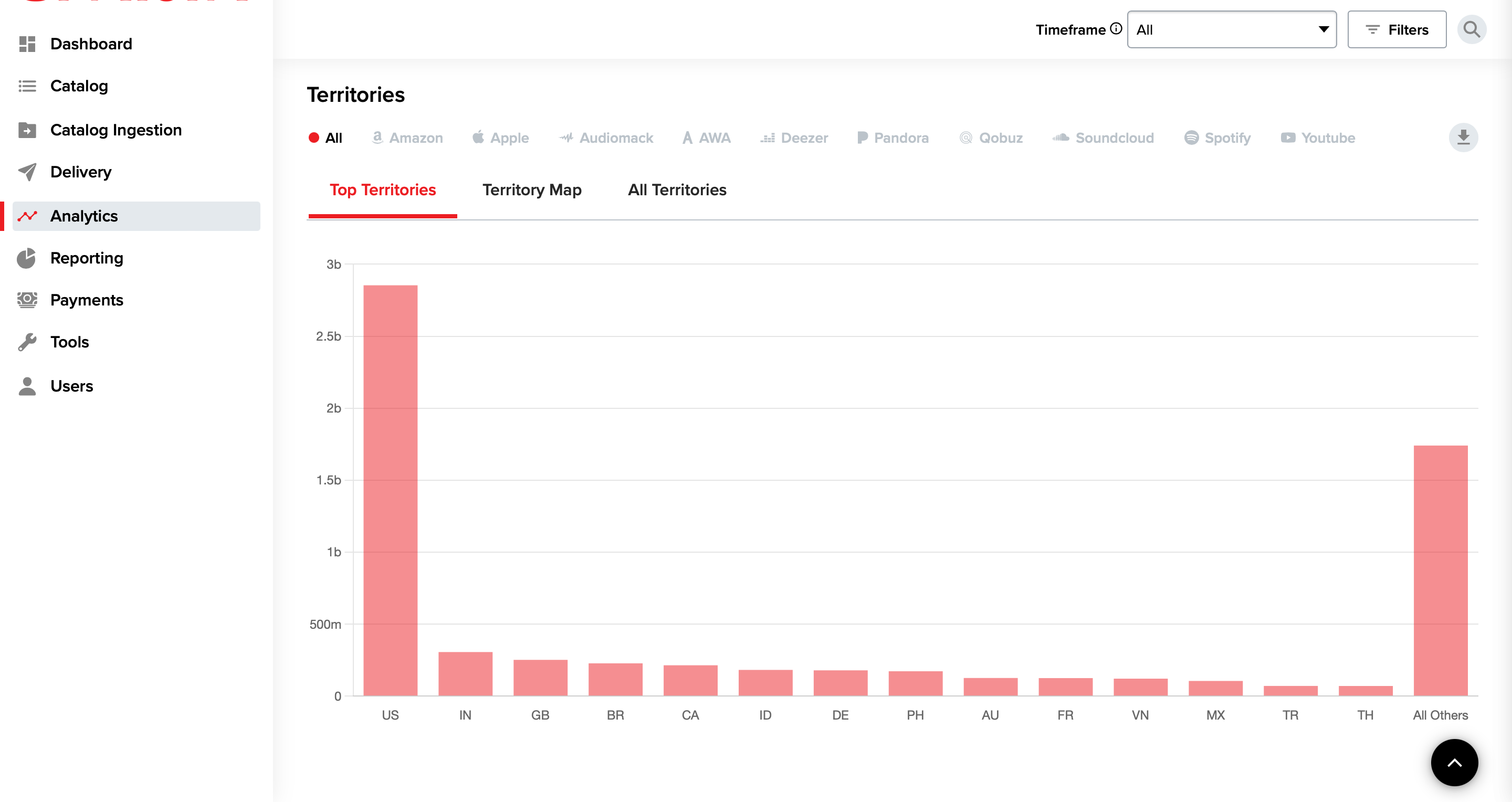
- Top Performing Territories