
What is a Release Radar?
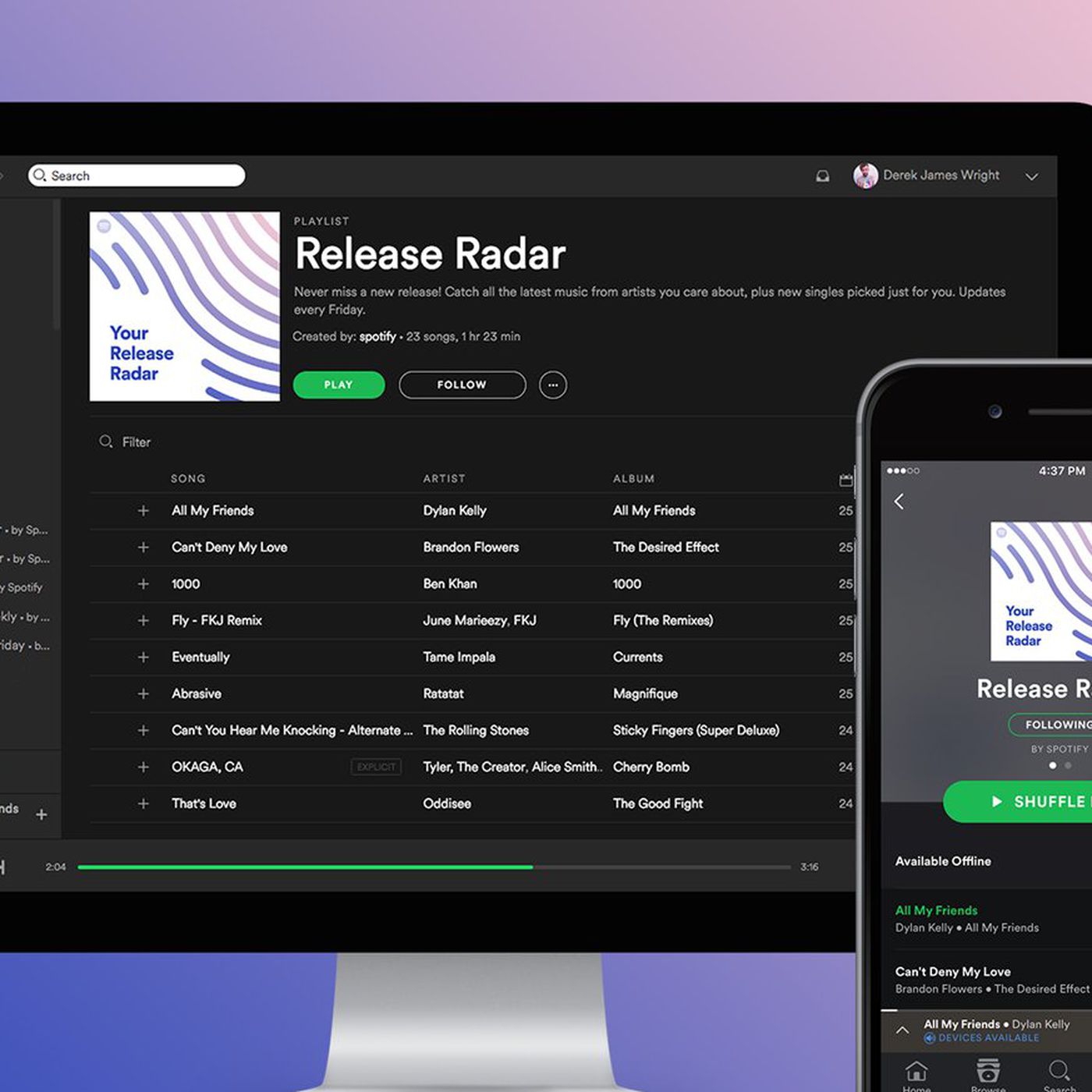
Spotify's release radar is a customized playlist for each Spotify user. Updated every Friday, Release Radar gives fans up to two hours of new music from their favorite artists, sprinkled in with some new discoveries based on their listening habits.
As an artist, this means it’s even more essential to get your fans to follow you on Spotify. Your new releases are automatically added to every follower’s Release Radar — so the more followers you have, the more fans that’ll never miss out on new tunes.
How do I get my song on Release Radar?
Release Radar is a playlist of new releases from artists a user follows, listens to, and other artists we think they’ll like.
Songs from your new release are included in your followers’ Release Radar playlists. You don’t need to pitch a song to our playlist editors to get on your followers’ Release Radar playlists. But you can if you want to choose the particular song your followers will get. If you do, you need to pitch at least 7 days before your release date.
Note: If you change your pitched song within 7 days of release, it’s likely the change won’t reflect on Release Radar playlists.
Important facts about Release Radar
- Deliver your release to us at least 7 days in advance for your track to make it on Release Radar during the first week of release.
- A song won’t be included in a listener’s Release Radar if they’ve already listened to it. But another song from the same release may show for them.
- Release Radar only includes songs you're a main or featured artist on. If you’re listed as a remixer, it won't show in your followers' Release Radar.
- Songs with Various Artists aren't eligible for Release Radar.
- Release Radar doesn’t include re-releases of songs already on Spotify.
- Each listener can only receive one song per artist per week in their Release Radar.
- A song can appear in Release Radar for up to 4 weeks after their release if a listener hasn't already heard it.
How will I know if a song gets on Release Radar?
Check the Playlists tab of your song’s stats in Spotify for Artist to see recent and top playlists your song’s added to. If your song’s in your listeners’ Release Radar, you’ll see the stats there.